Exporting Your Data
Generate a comprehensive PDF of your Bifocal data — journal entries, diary cards, skills, goals, and more — to keep, share with your therapist, or back up yourself.
What is Data Export?
The Export feature lets you compile everything you've recorded in Bifocal into a structured, readable PDF. You choose exactly which categories to include, review a privacy notice, and then share or save the file however you like. The export is created locally on your device and is never sent to any server.
Opening the Export Screen
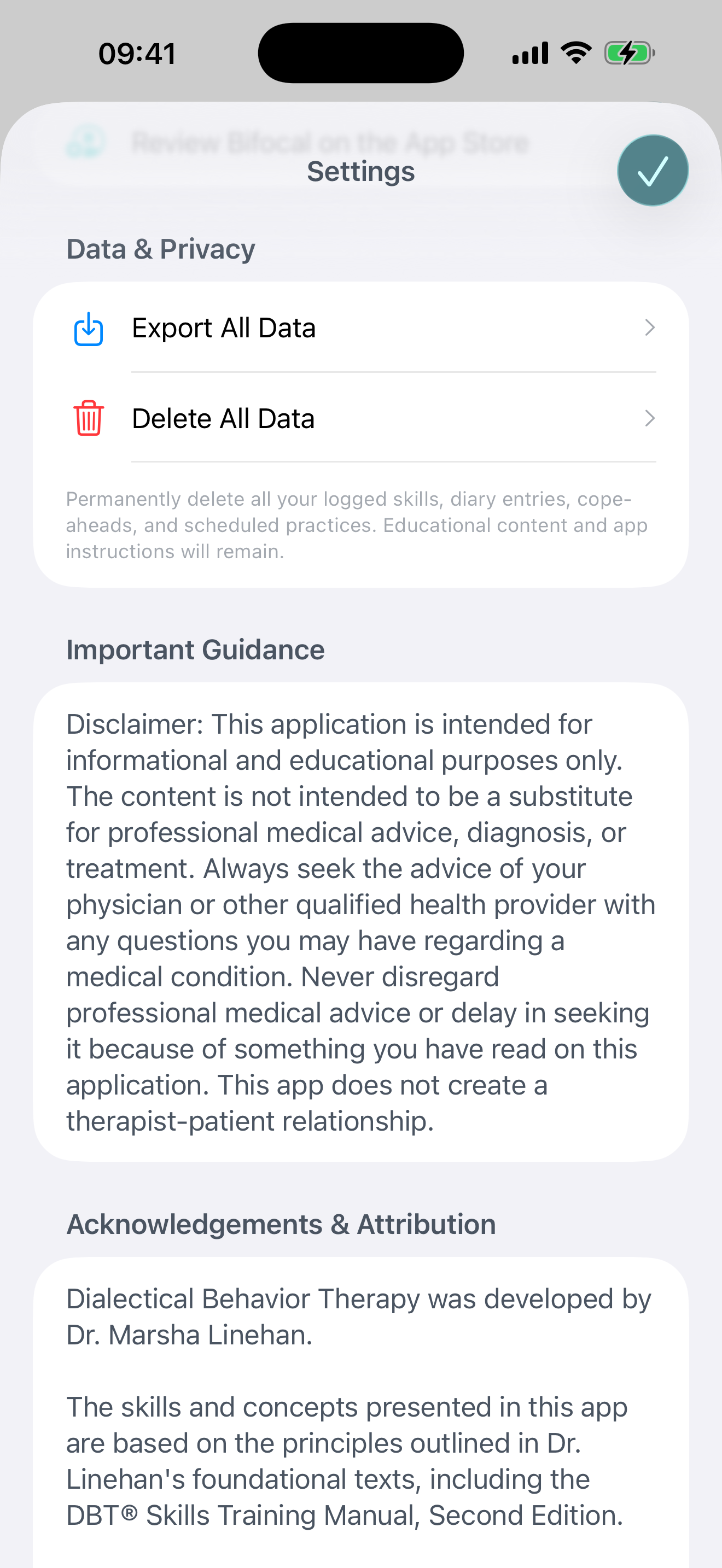
- Navigate to the Settings tab at the bottom of the app
- Tap Export Your Data
- The export screen will open, showing a list of all available data categories
Choosing What to Include
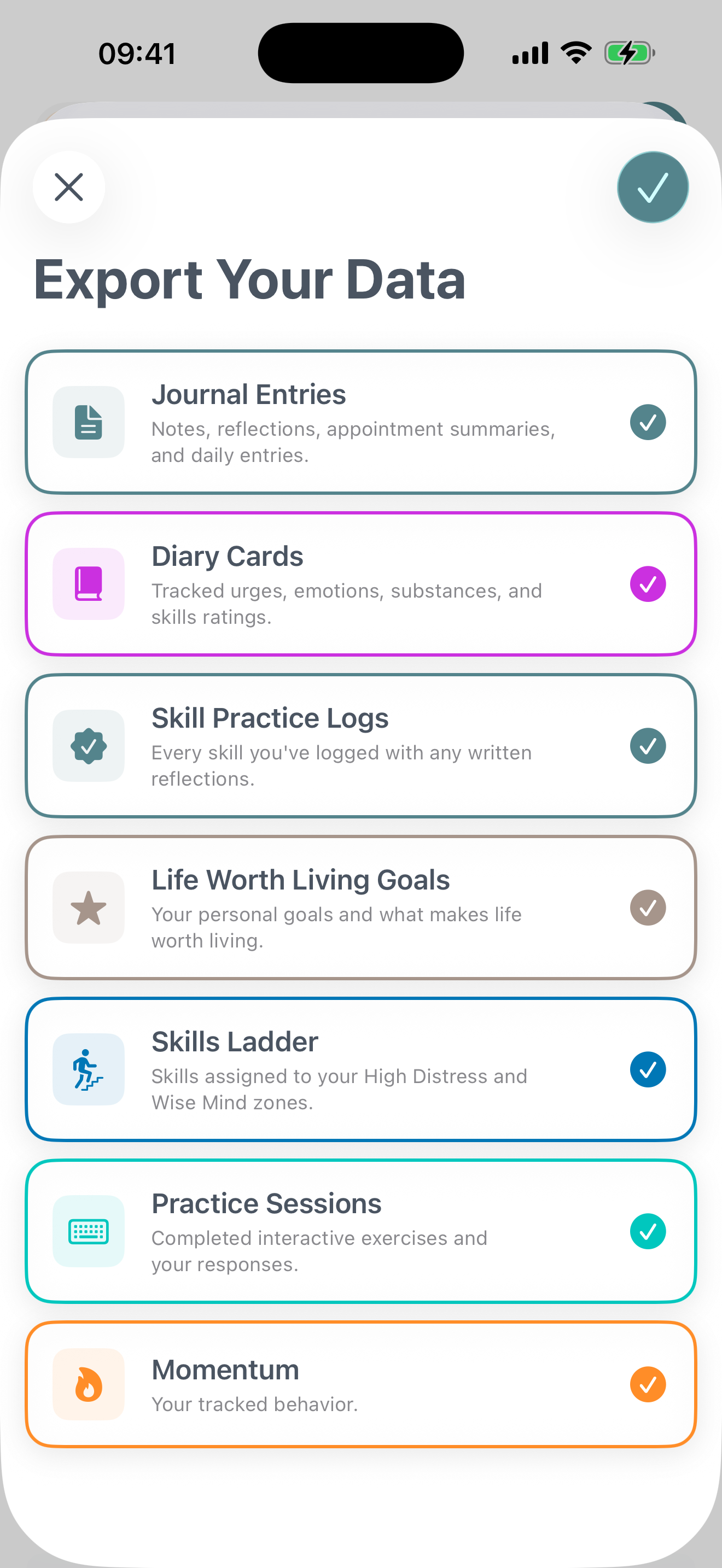
Each data category appears as a card you can toggle on or off. Only the categories you select will appear in your PDF.
- Tap any card to select or deselect it — selected cards are highlighted
- You can include as many or as few categories as you like
- The Export button is disabled until at least one category is selected
Exporting and Sharing
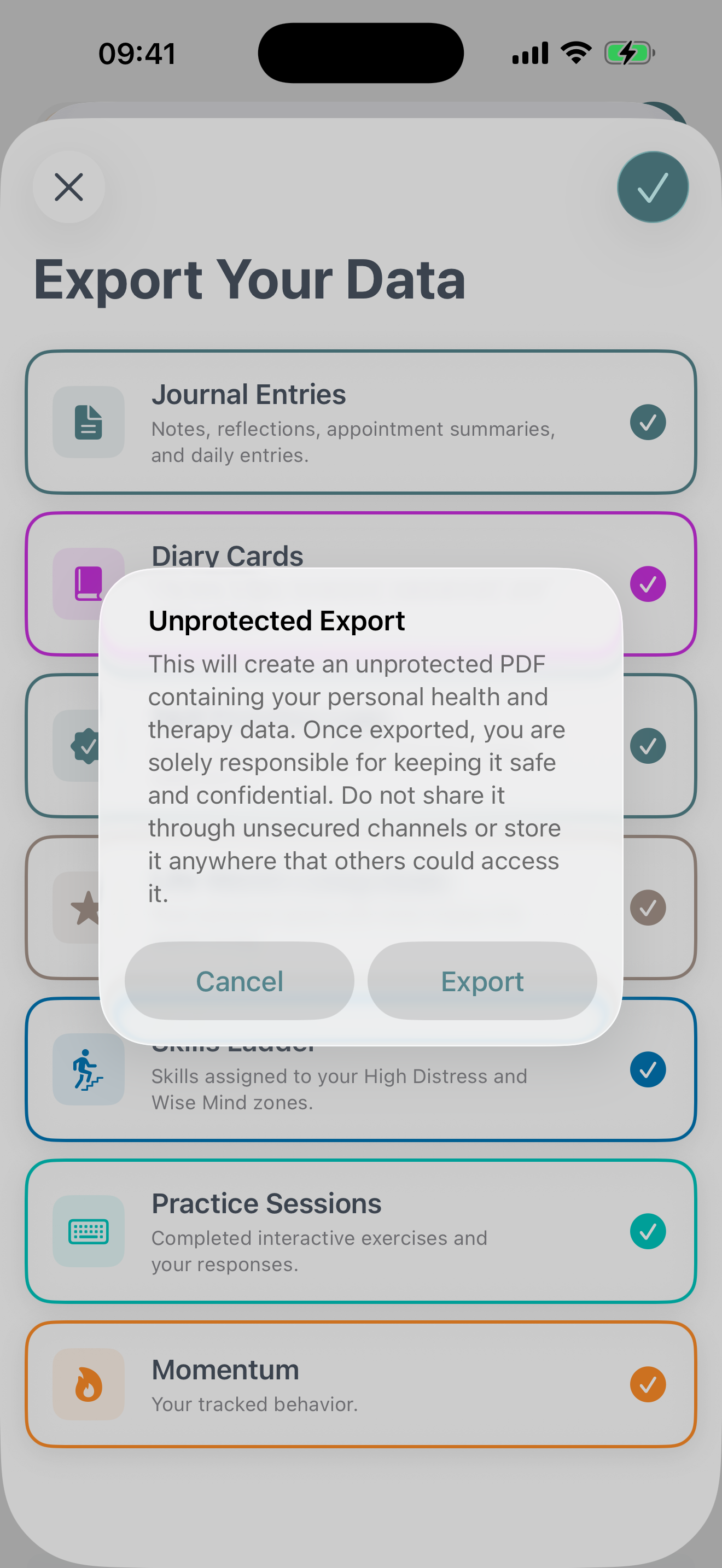
When you're ready, tap Export in the top-right corner. Bifocal will ask you to confirm a privacy notice before generating the file.
- Read the privacy notice — your export is an unprotected PDF, so treat it like any sensitive document
- Tap Continue to proceed
- Your PDF will be generated and the iOS share sheet will appear
- Save to Files, AirDrop it, email it, or open it in any app that supports PDFs
Your privacy, your responsibility
The exported PDF contains personal health and therapy data. It is not encrypted or password-protected. Bifocal automatically deletes the temporary file from your device once you close the share sheet — but any copy you save or send is yours to protect.
What Each Category Includes
Here's a breakdown of what's in each exportable section of your PDF:
Journal Entries
All diary entries you've written that aren't attached to a skill or cope-ahead. Each entry shows the full text, date, time, and entry type.
Diary Cards
Your daily diary card records in a structured table format. Each card includes all tracked values for that day:
- Urge ratings (self-harm, suicide, substance use, quitting therapy)
- Emotion ratings (pain, sadness, shame, anger, fear, joy)
- Medication and substance use
- Skill usage and overall rating
Skill Practice Logs
Every skill you've logged, including the skill name, date, time, and any written reflection you attached to that practice session.
Life Worth Living Goals
The personal goals and values you've defined — including their titles, descriptions, and icons.
Skills Ladder
Your customised skills ladder, showing which skills you've placed in the High Distress zone and the Wise Mind zone.
Practice Sessions
Completed interactive exercises, including the exercise name, date, time, and all of your written responses to each prompt.
Momentum
All behaviors you're tracking with Momentum, including:
- Behavior name and when you started tracking
- Current streak, personal best, and total occurrences
- All milestones you've reached
- Full log of every recorded occurrence with date, time, and your notes
Tips for Using Your Export
Share with your therapist
A full export gives your therapist a detailed picture of your practice, patterns, and progress. Consider exporting before sessions where you want to review data together.
Back up regularly
While iCloud Sync keeps your data safe across devices, an exported PDF gives you a readable, offline copy you can store anywhere — a hard drive, encrypted folder, or cloud storage.
Keep your export secure
This file contains sensitive health information. If you email it or save it to a shared location, consider who might be able to access it.
Export just what you need
You don't have to include everything. If you only want to review your Diary Cards for a given period, deselect everything else for a cleaner, more focused document.